Can you turn off YouTube Shorts?
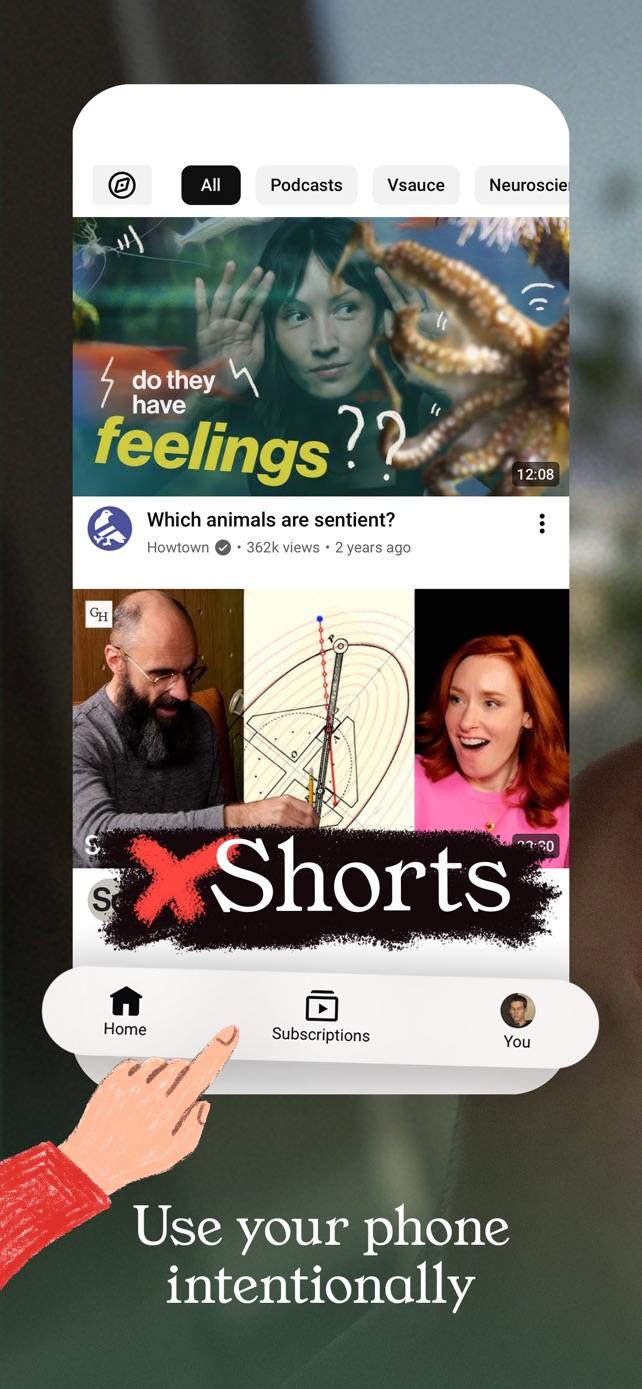
Partly. YouTube's Shorts feed limit can be set to zero, which hides the Shorts shelf on Home, but for adults it's a limit you can dismiss, and Shorts still play from links and elsewhere in the app. To remove Shorts everywhere in YouTube on iPhone and keep search and subscriptions, use StillTabs, which is free.
YouTube's Shorts feed limit
YouTube added a Shorts feed limit in 2026: You → Settings → Time management → Shorts feed limit. You can set it as low as zero. With zero, the Shorts shelf disappears from Home.
It has two limits of its own. For adults it's soft: when you reach it, YouTube offers to dismiss or ignore it. And it limits the Shorts feed, not Shorts themselves: they still play when someone sends you one, and reports say they still show up in places like Subscriptions. For supervised teen accounts, a limit set by a parent can't be dismissed.
Other YouTube settings that help
- Show fewer Shorts: tap ⋯ on the Shorts grid on Home. This lowers how often they appear; it doesn't remove them.
- Not interested and Don't recommend channel work on Shorts too.
- Delete and turn off watch history: with no history, YouTube removes recommendations from Home. Pausing alone isn't enough if you already have a long history, and you lose your history in the process.
How to remove YouTube Shorts everywhere on iPhone
- Install StillTabs (free) and open the YouTube tile. YouTube works without signing in; sign in on Google's page if you want your subscriptions.
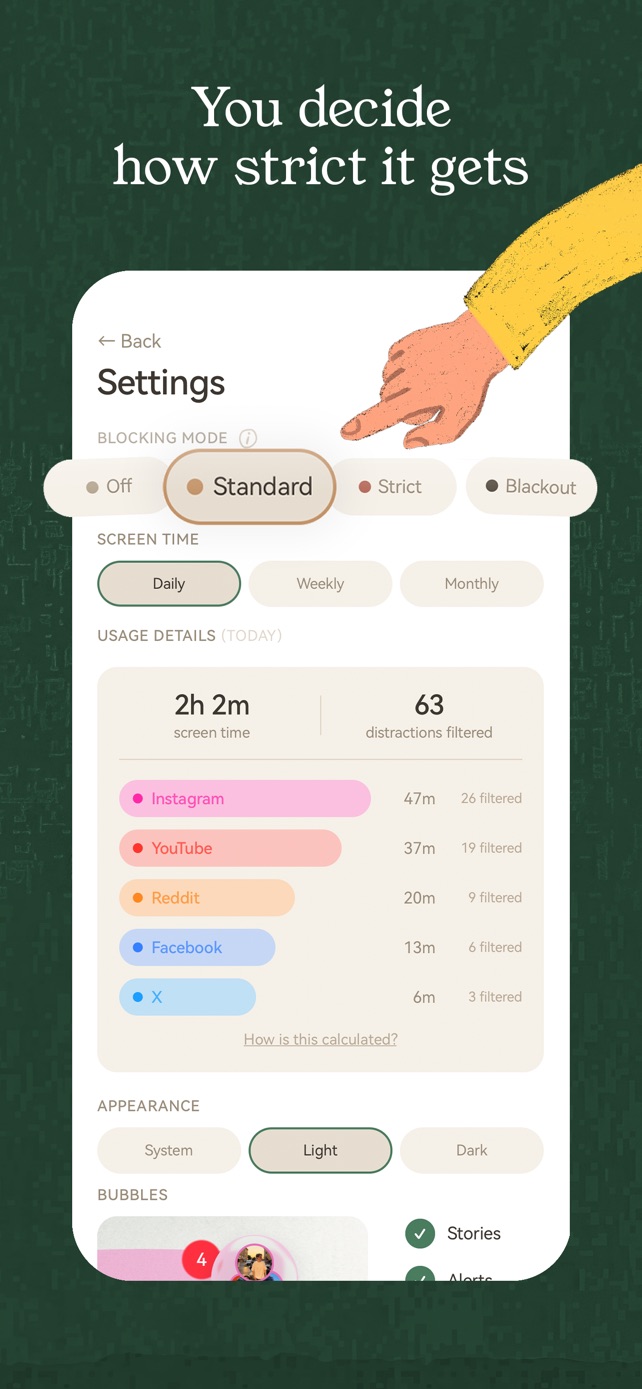
- In Standard mode, the Shorts tab and the Shorts shelves on Home are gone, the Shorts player can't be scrolled endlessly, and videos stop playing previews by themselves.
- In Strict mode, Shorts are gone everywhere, in search and on channel pages too; Shorts links open the homepage instead, and YouTube opens straight on your subscriptions.
Search, your subscriptions and the video you came for stay. Unlike the Shorts feed limit, there's no prompt to dismiss: Shorts stay gone until you change the mode yourself.
YouTube's limit vs StillTabs
| Shorts feed limit at zero | StillTabs Standard | StillTabs Strict | |
|---|---|---|---|
| Shorts shelf on Home | Hidden | Gone | Gone |
| Shorts tab | Reports vary | Gone | Gone |
| Endless Shorts scrolling | Stops at the limit, dismissable | Blocked | Blocked |
| Shorts in search and on channels | Reportedly still there | Still there | Gone |
| Shorts links | Play | Play | Open the homepage instead |
| Can be dismissed in the moment | Yes, for adults | No prompt | No prompt |
| Autoplaying previews | Still play | Gone | Gone |
| Price | Free | Free | Free |
StillTabs is free on the App Store, for iPhone. No subscription, no in-app purchases, no account. iOS 16 or later.
Sources
- YouTube Help: Shorts feed limit: https://support.google.com/youtube/answer/16671528?hl=en
- Tubefilter: the Shorts limit at zero, 16 April 2026: https://www.tubefilter.com/2026/04/16/youtube-take-a-break-shorts-feed-time-limit/amp/
- YouTube Help: manage recommendations, "Show fewer Shorts": https://support.google.com/youtube/answer/6342839?hl=en
- YouTube Help: watch history and Home recommendations: https://support.google.com/youtube/answer/95725?hl=en&co=GENIE.Platform%3DiOS
- StillTabs on the App Store (price, privacy label): https://apps.apple.com/us/app/stilltabs-block-reels-shorts/id6761367777