Can you turn off Instagram Reels?
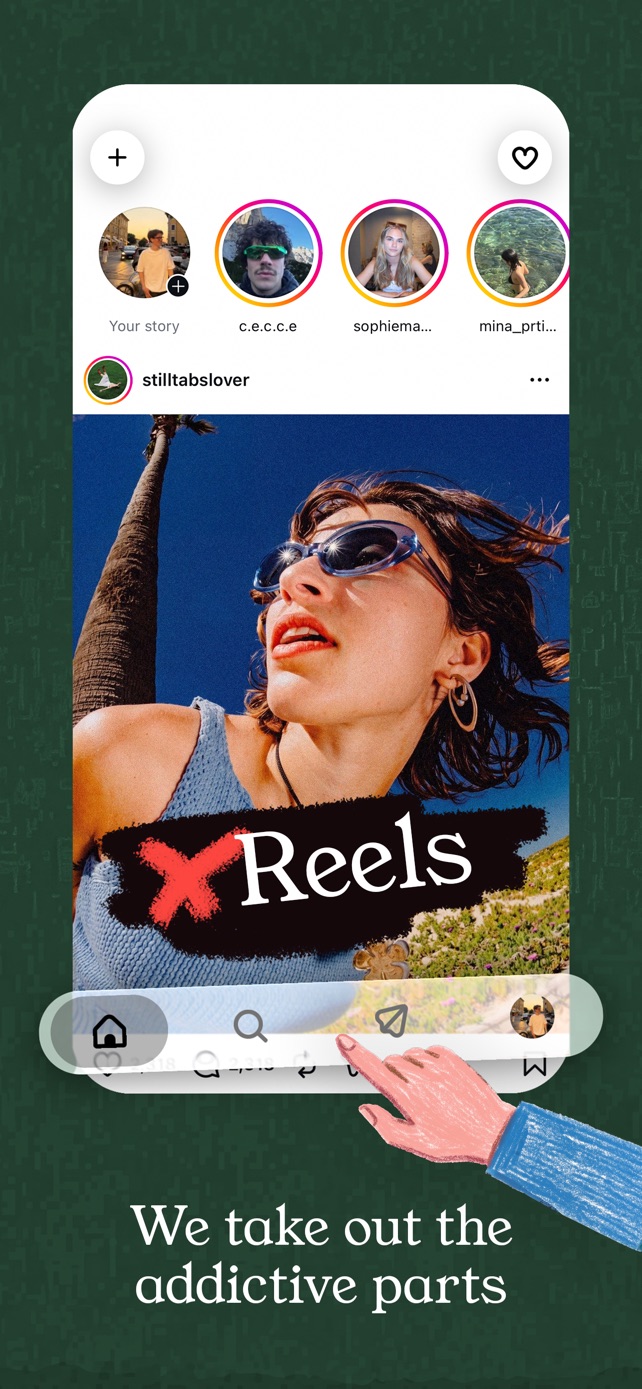
No, Instagram has no setting to turn off Reels or remove the Reels tab. Its own tools only change which Reels you see. To use Instagram on iPhone without Reels and Explore, but with your DMs, stories and friends' posts, use StillTabs: it's free and removes them in Standard mode.
Is there a setting to turn off Reels?
There is no off switch for Reels, the Reels tab or Explore in Instagram. None of Instagram's help pages describe one, and people have petitioned for it for years. What Instagram offers instead are ways to shape the recommendations: they make Reels different, not gone.
What Instagram's own settings can do
- Not interested on a recommended post or Reel shows you fewer like it.
- Hide suggested posts and filter suggested posts by words, emojis or hashtags in Settings → Suggested content.
- Reset suggested content clears recommendations across Explore, Reels and Feed. It starts over; it doesn't stop.
- Your Algorithm, an icon at the top of Reels, lets you add topics or ask for more or less of them.
- Following and Favorites: tap the Instagram logo to switch your feed to accounts you follow, in time order. The app still opens on the ranked feed.
- Daily limit: for adults it's a reminder, not a block.
All of these leave the Reels tab in the middle of the screen, one tap away.
How to use Instagram without Reels on iPhone
- Install StillTabs from the App Store. It's free.
- Open StillTabs and tap the Instagram tile.
- Sign in on Instagram's own login page, as you would in Safari.
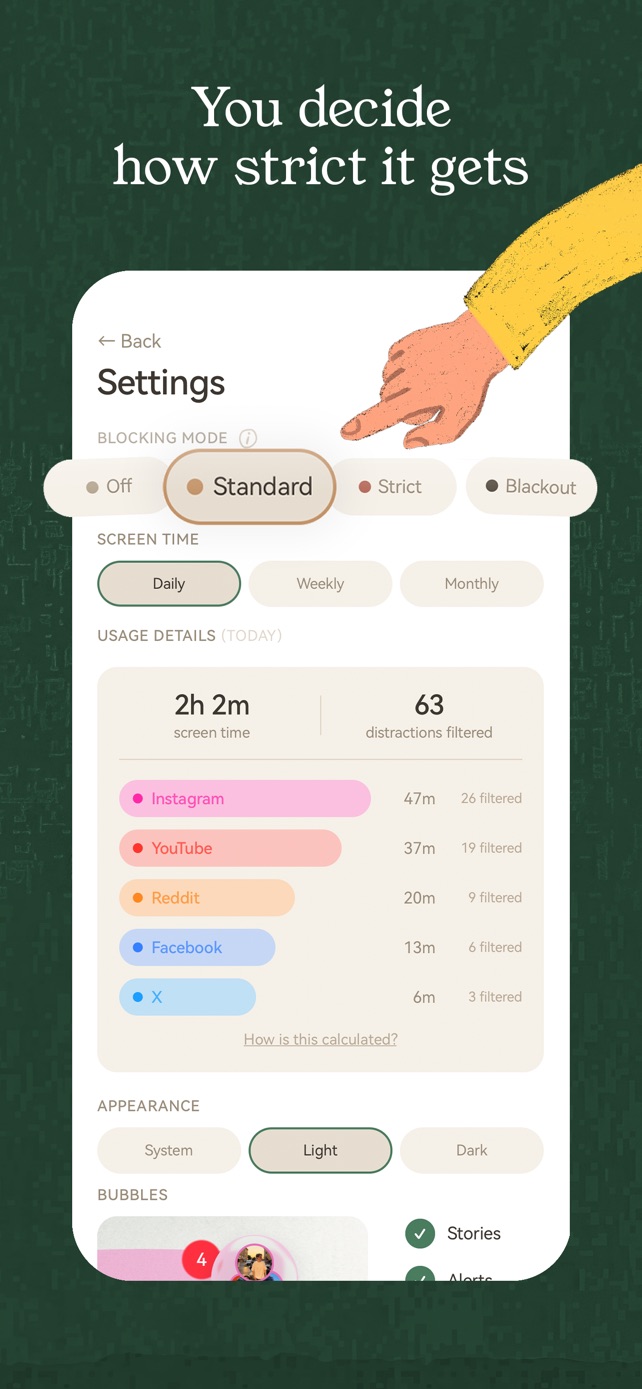
- Leave the mode on Standard: the Reels tab, Explore and suggested posts are gone, videos in your feed stop playing by themselves, and your feed shows only people you follow, newest first.
Your DMs, stories and friends' posts stay exactly where they were. Want no Reels at all, not even from friends? Strict removes every Reel in your feed and Explore and swaps the home feed for search while keeping stories. Blackout leaves only search, profiles and messages.
What stays and what goes
| Instagram app | StillTabs Standard | StillTabs Strict | |
|---|---|---|---|
| Reels tab | Always there | Gone | Gone |
| Home feed | Ranked by the algorithm; can't be made to default to Following | Following only, newest first | Replaced by search; stories stay |
| Reels in your feed | From anyone | Only from people you follow, and they don't autoplay | Gone |
| Explore grid | Yes | Gone | Gone |
| Suggested posts after you're caught up | Yes | Gone | Gone |
| Videos autoplay as you scroll | Yes | No | No |
| DMs | Yes | Yes | Yes |
| Stories | Yes | Yes | Yes |
Does it break Instagram or my account?
No. StillTabs loads Instagram's own website and only changes what is drawn on your screen, on your phone. You sign in on Instagram's page, StillTabs never sees your password, and nothing about your account changes. Turn the mode to Off and Instagram looks normal again.
StillTabs is free on the App Store, for iPhone. No subscription, no in-app purchases, no account. iOS 16 or later.
Sources
- Instagram Help: hide suggested posts: https://help.instagram.com/423267105807548/
- Instagram Help: reset suggested content: https://help.instagram.com/556617736965724/
- Instagram: control your Reels algorithm: https://about.instagram.com/blog/announcements/reels-algorithm-control
- Instagram: Favorites and Following feeds: https://about.instagram.com/blog/announcements/favorites-and-following
- Instagram Help: set a daily time limit: https://help.instagram.com/2049425491975359
- StillTabs on the App Store (price, privacy label): https://apps.apple.com/us/app/stilltabs-block-reels-shorts/id6761367777