How to use Instagram only for messages
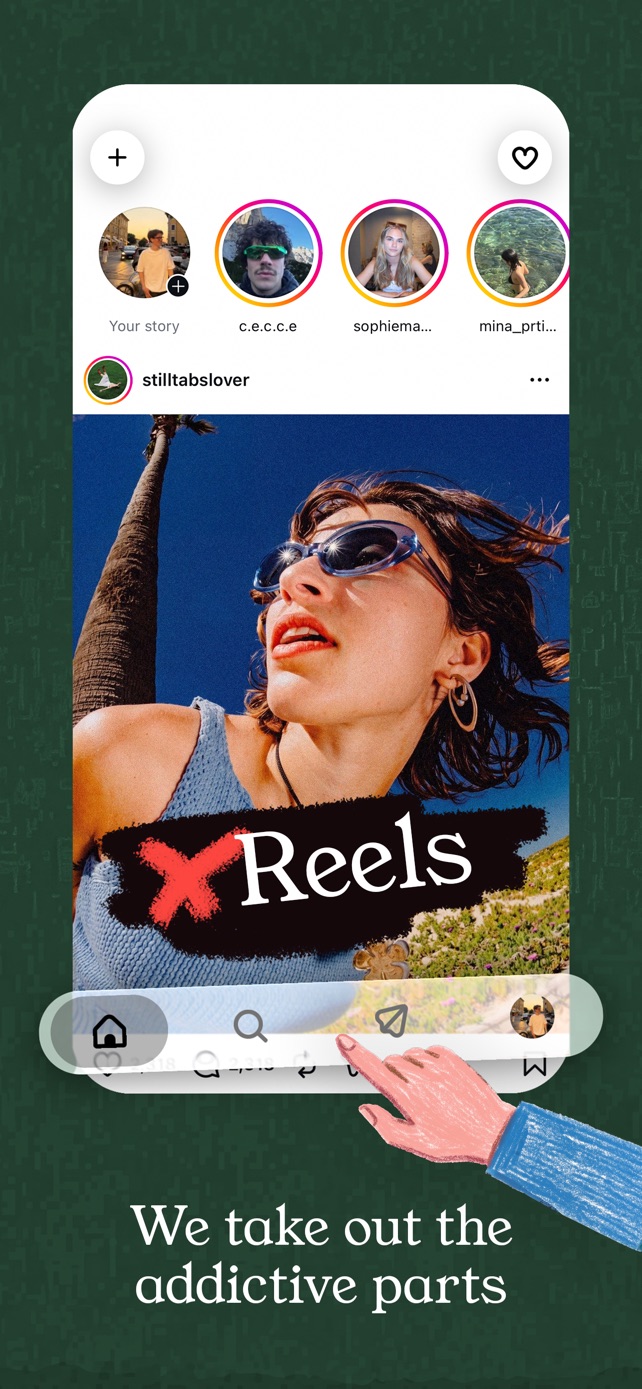
Instagram has no messages-only mode, but StillTabs' Blackout mode is one. It removes the feed, Reels, stories and Explore and leaves just your DMs, search and profiles. It's free on iPhone, and you can switch back whenever you like.
Why there's no DM-only Instagram
Instagram's messages live inside the same app as its feed and Reels, and its settings only shape what you're recommended. Quiet mode mutes notifications; it doesn't hide anything. So opening Instagram for one message always starts in the feed.
How to set it up
- Install StillTabs (free) and open the Instagram tile.
- Sign in on Instagram's own page.
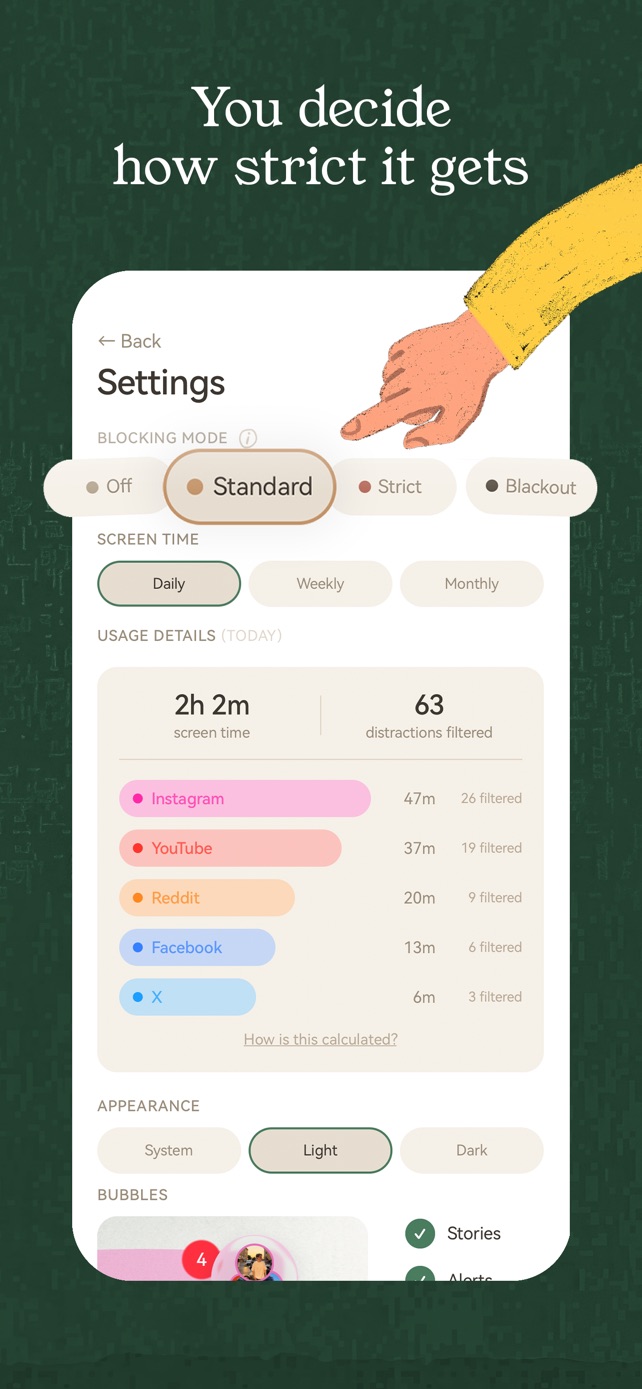
- Go to Settings → Blocking Mode and choose Blackout.
You'll see search, profiles and messages, and nothing else. If you'd like to keep stories and friends' posts, choose Strict or Standard instead.
Modes compared
- Off: the platform stays close to normal; only the "open in app" prompts and pop-ups go.
- Standard: Shorts, the Reels tab, Explore, "For you" tabs, suggested posts and autoplay go. Your feeds stay.
- Strict: short-form video is gone everywhere and home feeds give way to search. Instagram keeps your stories; YouTube opens on your subscriptions.
- Blackout: no feeds, no stories, no Explore. Just search, profiles and your messages.
StillTabs is free on the App Store, for iPhone. No subscription, no in-app purchases, no account. iOS 16 or later.
Sources
- StillTabs on the App Store (price, privacy label): https://apps.apple.com/us/app/stilltabs-block-reels-shorts/id6761367777
- Instagram Help: set a daily time limit: https://help.instagram.com/2049425491975359