An Instagram icon on your Home Screen that opens without Reels
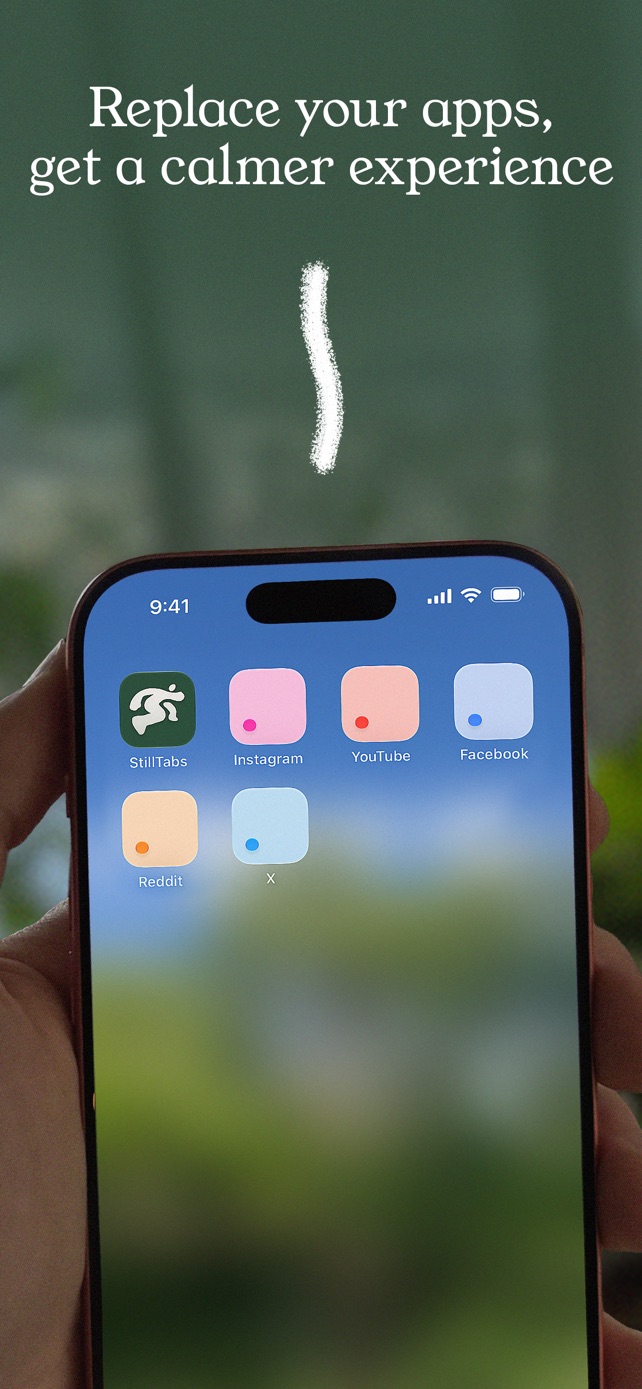
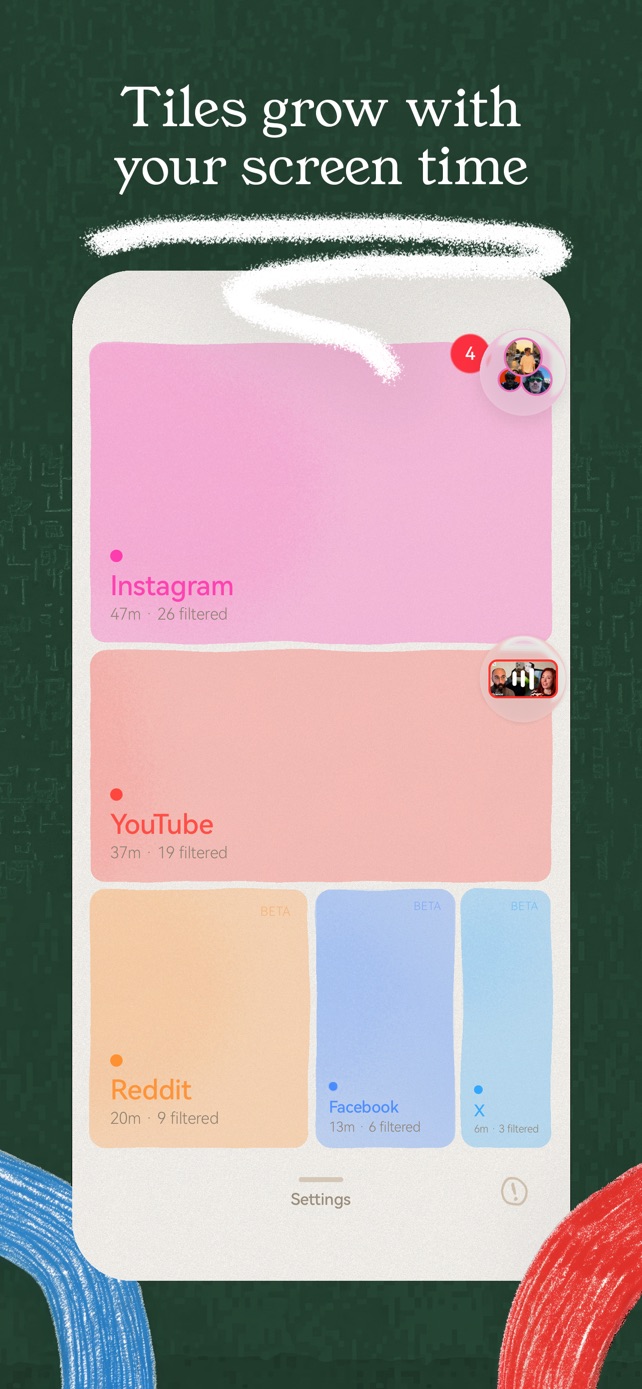
StillTabs puts icons named Instagram, YouTube, Facebook, X and Reddit on your iPhone Home Screen; tapping one opens that platform straight inside StillTabs, already signed in, with Reels and Shorts gone. Your thumb goes to the same place it always did and lands in a calmer Instagram. Setting one up takes three taps, and it's free.
Why it matters
Most scrolling starts on the Home Screen, not in a decision. You unlock your phone, your thumb finds the Instagram icon, and you're in the Reels before you've thought about it. Blockers fight that habit with locks and timers. StillTabs keeps the habit and changes where it leads: the icon still says Instagram, but it opens Instagram without Reels, Explore or suggested posts, and with your DMs and the people you follow.
Move the original Instagram app to the App Library (or delete it), put the StillTabs icon where it used to be, and nothing about your routine changes except what you see.
How to set it up
- During StillTabs' first-time setup, the Set up your Home Screen step lists each platform. Tap one; it opens in Safari, which is the only place iOS allows Add to Home Screen.
- Tap Share → Add to Home Screen → Add. The icon and the name are already filled in.
- Repeat for YouTube, Facebook, X or Reddit if you want them too.
Skipped it? Open stilltabs.com/go/instagram (or /go/youtube, /go/facebook, /go/x, /go/reddit) in Safari on your iPhone at any time and do the same.
What it is and isn't
| StillTabs Home Screen icon | |
|---|---|
| Name under the icon | Instagram, YouTube, Facebook, X or Reddit |
| What opens | That platform inside StillTabs, signed in, in your chosen mode |
| Needs the Shortcuts app or an automation | No |
| Needs Screen Time access or locks your other apps | No |
| Look | StillTabs' own icon style in each platform's colour, not the platform's logo |
| Price | Free |
How other apps handle the habit
Whole-app blockers such as Opal and one sec work on the original app: they lock it, or put a pause in front of it, so tapping Instagram leads to a wall or a countdown. SocialLite's iPhone app blocks the native apps so you use its own instead. StillTabs doesn't lock anything: the icon you tap simply opens the version of Instagram you wanted, and the original app stays on your phone, untouched, for the day you need it (for example, to post a Reel).
StillTabs is free on the App Store, for iPhone. No subscription, no in-app purchases, no account. iOS 16 or later.
Sources
- StillTabs on the App Store (price, privacy label): https://apps.apple.com/us/app/stilltabs-block-reels-shorts/id6761367777
- SocialLite for iPhone (blocks the native apps, Post Mode): https://sociallite.app/for-apple/
- Opal on the App Store: https://apps.apple.com/us/app/id1497465230
- one sec on the App Store: https://apps.apple.com/us/app/id1532875441