The free SocialLite alternative: StillTabs
The closest free alternative to SocialLite is StillTabs. Both show Instagram, YouTube and other platforms without Reels and Shorts. StillTabs is free with no in-app purchases, has no "Data Used to Track You" App Store label, and doesn't lock your native apps. SocialLite lists Pro plans up to $17.99 a month and its label lists Identifiers as data used to track you.
StillTabs vs SocialLite at a glance
| StillTabs | SocialLite | |
|---|---|---|
| Price | Free. No subscription, no in-app purchases | Free download; Pro listed from $6.99 to $17.99 a month, $19.99 to $47.90 a year; Family $12.99 a month |
| Refunds | Nothing to refund | Terms: "We generally do not provide refunds for subscription payments" |
| App Store privacy label | Data Not Linked to You. Nothing used to track you | Data Used to Track You: Identifiers; plus Purchases, Contact Info, Identifiers, Usage Data not linked to you |
| Account | None | Sign in with Apple, Google or phone number |
| Your other apps | Untouched | Blocks the native Instagram, YouTube and other apps on iPhone; "Post Mode" unlocks them for 5 minutes |
| Choose what is hidden | Four modes per platform, switch any time | Terms: Reels, Shorts and Explore blocks "cannot be disabled on any plan" |
| Platforms | Instagram, YouTube; Facebook, X and Reddit in beta | Instagram, YouTube; its FAQ lists TikTok, Snapchat, LinkedIn, X and Facebook as "still in beta" |
| Android | No | Yes |
Why people look for a SocialLite alternative
The most common reason is the price. SocialLite is free to download, but its full product is a subscription: the US App Store lists Pro at $6.99, $9.99 and $17.99 a month and $19.99 to $47.90 a year. Its terms say subscriptions renew automatically unless cancelled and that refunds are generally not given, and its FAQ says "A free trial is not guaranteed."
StillTabs is free with no in-app purchases at all, so there is nothing to start, cancel or renew.
What to check before you subscribe
Everything below is from SocialLite's own terms, privacy policy, website and App Store listing, checked on 4 November 2026.
- You need a phone number to use it. Its terms: "You must provide a valid phone number to create an account." Its privacy policy: "Your phone number serves as your unique account identifier." StillTabs has no account at all.
- "No ads", but the App Store says otherwise. Its privacy page says "No ads. No data sales. Ever." Its App Store listing's age rating lists "Advertising" under "Contains", and its privacy label lists "Advertising Data" under "Developer's Advertising or Marketing", plus a User ID under "Data Used to Track You".
- "Not tracking", but a tracking label. Its "Does SocialLite collect data?" page lists tracking and sharing personal information with third parties as things it doesn't do. The App Store label declares data used to track you.
- Arbitration, and a $50 cap. Disputes go to "binding arbitration. Class actions and class arbitrations are waived" (opt out within 30 days), under Colorado law. Its liability is limited to what you paid in the last 12 months "or $50 USD".
- Your account can be closed for not using it. The terms reserve the right to terminate an account "at any time for any reason, including … Extended periods of inactivity".
- No refunds. "We generally do not provide refunds for subscription payments", and "No partial refunds for unused portions of a billing period".
- Slow on purpose. Its FAQ: "SocialLite feels slow. That's the point." StillTabs is built to feel like the platform itself.
What recent reviewers say
Of SocialLite's 500 most recent US App Store reviews (28 October to 3 November 2026), 35 were 1 or 2 stars, and 23 of those 35 were about the paywall, having no trial, or not finding a free version. Review titles include "No trial- just want $$$", "Free is a Lie! There is no SocialLite" and "Could not try - forced a subscription". Review counts: the most recent written reviews in Apple's public US review feed (up to 500 per app), 1–2 star reviews sorted by topic on 4 November 2026. They are what users wrote, not verified facts.
What SocialLite says about data, and what its App Store label says
SocialLite's own pages and its App Store listing don't say the same thing about data. Both are public, so you can compare them yourself:
- Its "Is SocialLite legit?" page says it "does not collect, store, or sell your personal data". Its privacy policy says it collects "unique device identifiers" and usage data, which is "retained for up to 24 months".
- Its privacy and data page tells readers to look for the "Data Not Collected" badge on the App Store. On 4 November 2026 the App Store label instead showed "Data Used to Track You: Identifiers".
- The same "legit" page says there are "no hidden subscriptions, paywalls, or surprise charges", while the App Store lists Pro plans up to $17.99 a month.
StillTabs' label and policy say the same thing: Data Not Linked to You, analytics off by default, no tracking, no ads, nothing sold.
What its website does when you visit
SocialLite's website loads the Meta Pixel, a Google Ads tag and the Snapchat Pixel for every visitor, with its cookie banner switched off since 7 October 2026, according to its own consent script. The disabled banner says "Nothing is tracked unless you accept"; when it is on, the script records your page views before you choose and sends them to Meta and Google if you accept later. We checked on 8 November 2026 from the Netherlands. stilltabs.com loads no third-party requests at all. What 17 Reels blocker websites load.
StillTabs leaves your other apps alone
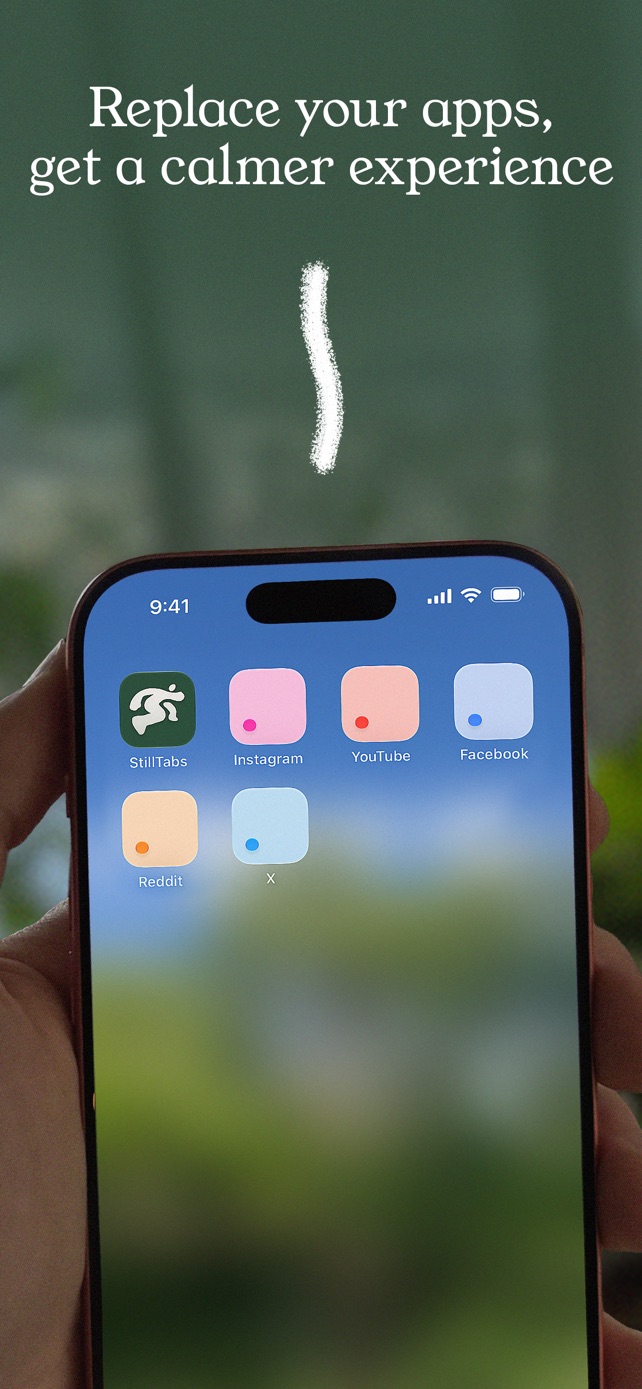
On iPhone, SocialLite "blocks the original Instagram, YouTube, TikTok, and other apps on your phone" and lets you back in through a 5-minute Post Mode. StillTabs doesn't touch your other apps and doesn't ask for Screen Time access. If you want to post a Reel or use a feature StillTabs doesn't cover, the platform's own app is still there, unchanged. If you uninstall StillTabs, nothing on your phone needs undoing.
How it feels to use
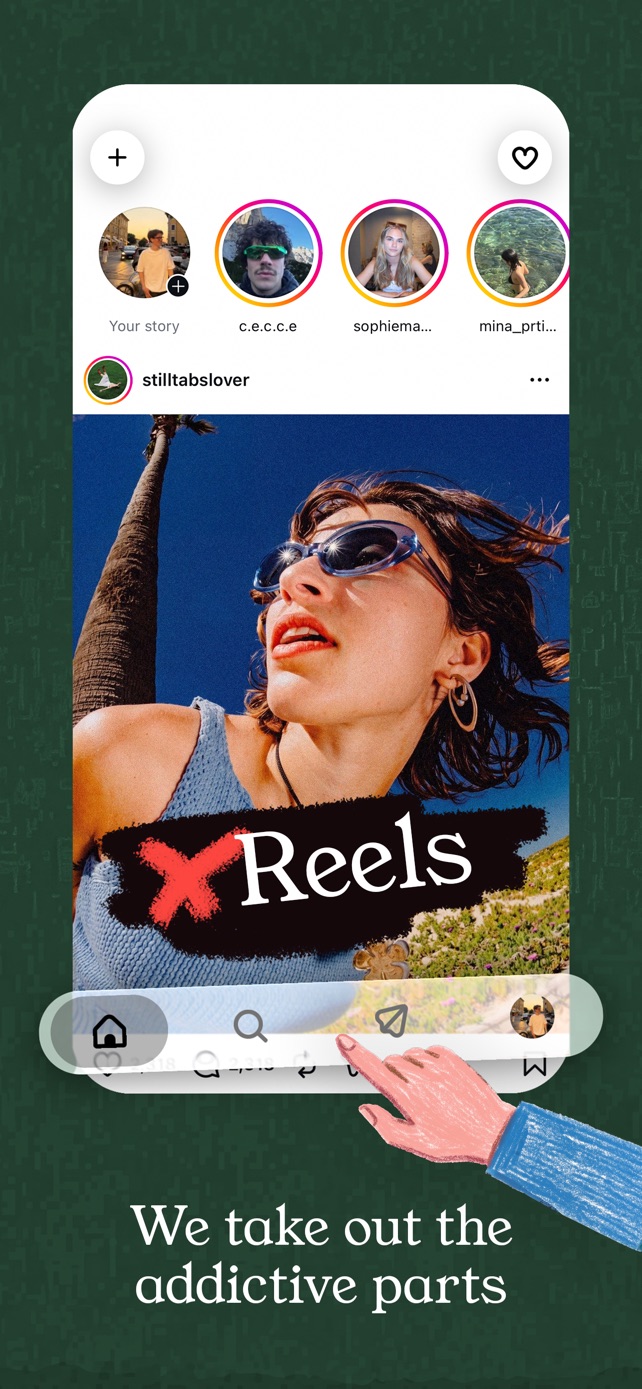
StillTabs is built to feel like the Instagram app, not like a website in a frame. It draws Instagram's bottom toolbar natively, in Instagram's own style, and keeps Home, Search, messages and your profile each loaded in the background, so switching tabs is instant instead of a page reload. The feed runs full-screen under the top bar, as it does in the app.
Getting around is a gesture, not a button. In SocialLite, a floating button sits over the page and takes you back to its home screen (from our own use of the app, November 2026). StillTabs has nothing floating over the content: swipe in from the lower-left edge to go back to the launcher, or pull right from the left edge to go back a page.
You choose how strict it is
SocialLite's terms say its Reels, Shorts and Explore blocks are permanently on. StillTabs lets you pick per mode, and switch whenever you like:
- Off: the platform stays close to normal; only the "open in app" prompts and pop-ups go.
- Standard: Shorts, the Reels tab, Explore, "For you" tabs, suggested posts and autoplay go. Your feeds stay.
- Strict: short-form video is gone everywhere and home feeds give way to search. Instagram keeps your stories; YouTube opens on your subscriptions.
- Blackout: no feeds, no stories, no Explore. Just search, profiles and your messages.
When SocialLite may suit you better
If you use Android, or need TikTok or Snapchat, StillTabs doesn't cover those yet. For Instagram, YouTube and Facebook on iPhone, StillTabs does the same job for free.
StillTabs is free on the App Store, for iPhone. No subscription, no in-app purchases, no account. iOS 16 or later.
Sources
- StillTabs on the App Store (price, privacy label): https://apps.apple.com/us/app/stilltabs-block-reels-shorts/id6761367777
- StillTabs privacy policy: https://stilltabs.com/privacy
- SocialLite on the App Store (in-app purchases, privacy label): https://apps.apple.com/us/app/id6757661674
- SocialLite terms (renewal, refunds): https://sociallite.app/terms/
- SocialLite privacy policy: https://sociallite.app/privacy/
- SocialLite FAQ (platforms in beta, native app): https://sociallite.app/faq/
- SocialLite for iPhone (blocks the native apps, Post Mode): https://sociallite.app/for-apple/
- SocialLite, "Is SocialLite legit?": https://sociallite.app/is-sociallite-legit/
- SocialLite, privacy and data page: https://sociallite.app/privacy-and-data/
- SocialLite, "Does SocialLite collect data?": https://sociallite.app/does-sociallite-collect-data/
- SocialLite App Store reviews: https://apps.apple.com/us/app/sociallite-block-reels-shorts/id6757661674?see-all=reviews